Top 8 Designer Tips for an Attractive UI
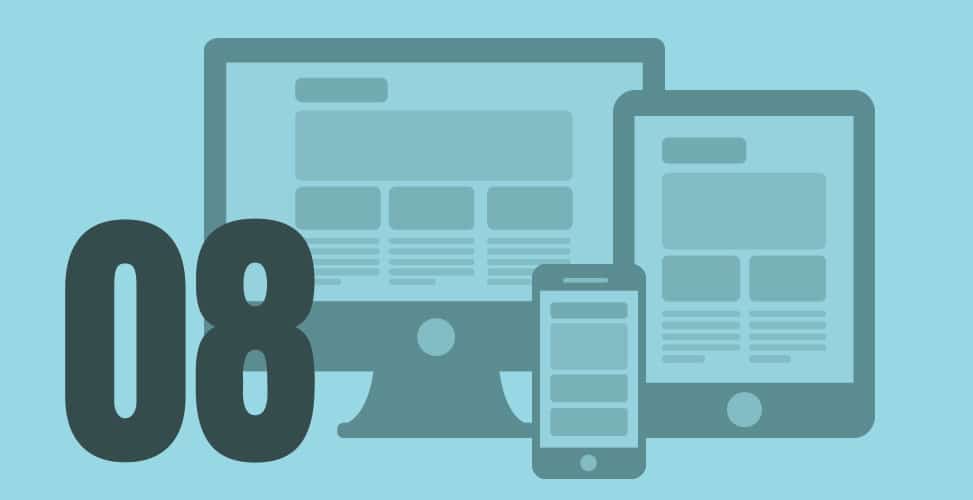
Developers spend most of their time coding and developing applications or webpages. Among all the subtle elements that contribute to an application’s success, the User Interface (UI) is the most important aspect. It is the part that users interact with directly, and if it does not meet their expectations, no amount of coding excellence will impress them. Here are eight tips for designers to create an attractive UI that keeps users engaged.
1. Who is the User?
First and foremost, designers must consider their audience’s demographics. Understanding the target audience is crucial for arriving at an appropriate design. For instance, if younger users are expected to access the website or application, a more dynamic and flashy design with modern jargon and universal symbols may be effective. Conversely, if the audience is primarily middle-aged or older, the UI should be kept simple and informative to avoid confusion and enhance accessibility. A user-friendly UI that caters to the audience’s needs is essential; otherwise, users may turn to more appealing platforms that they find easier to navigate.
2. Are There Any Transition Effects?
When users perform different actions, they navigate from one area to another within the website or application. Visually appealing transition effects can capture users’ attention and provide a satisfying experience, while dull or lengthy transitions can make the experience tedious. Designers should ensure that transitions are quick and smooth, clearly indicating that an action has been completed.
A popular trend is to incorporate a fixed menu or guide at the top or sides of the application or webpage. As users navigate, this fixed guide can highlight the functions or features they are using. It can also include subtitles to clarify the actions being taken.
3. What Will the Action Lead To?
It is crucial to clearly define what specific actions will do when performed. Users will depend on the clarity of these actions to determine whether they will use the application or website. If there are no clear instructions, users may hesitate to proceed, especially regarding sensitive tasks like financial transactions. For example, if an action involves making a payment, users should be informed in advance. Every click, swipe, or tap must indicate, directly or indirectly, what action it will perform to build users’ trust.
4. Is Typography Helpful?
Current UI design trends often include the use of text boxes, columns, or symbols to define actions. Typography should follow a hierarchical order to avoid confusion. Since every webpage or application is task-oriented, the primary task should be more prominently highlighted than additional features. For instance, on a food delivery platform, the ‘Order Now’ option should be more visible and larger than other options, enhancing accessibility and usability.
5. Can Mistakes Be Corrected?
With the prevalence of touchscreen devices, mistakes are common among users. If users perform an unintended action without the ability to correct it, their experience can become frustrating. Designers should allow for corrections in usage. If the application guides users through a process, there should be an option to return to the previous step. Additionally, if an unwanted action occurs, users should have the ability to undo it. While every action should be clear, there should also be room for user errors.
6. Is the Page Responsive?
It is essential to provide various options on a single page—however, the page should not be overcrowded, as this can lead to confusion. Each page should be designed to allow users to complete tasks easily and successfully. Actions that can be performed on a page should be clearly visible, and if the website or application offers a long list of actions, not all of them should be displayed at once.
Designers should group related actions together while keeping distinct actions separate. Each webpage should be sophisticated, with the main page serving as a guide or menu that defines various features and provides links to grouped actions.
7. Can the UI Be Improved?
The work of a designer should never be considered complete. As design trends evolve, designers should stay updated to enhance the application or website. Providing an outdated UI to both new and existing users can lead to dissatisfaction. Continuous improvements are essential to maintain user interest.
After users complete their tasks on the platform, a feedback process should be initiated. This process should be optional and involve only a few steps. Feedback is valuable for designers to identify areas for improvement and implement user recommendations. Regular updates to the platform will ensure it remains relevant and user-friendly.